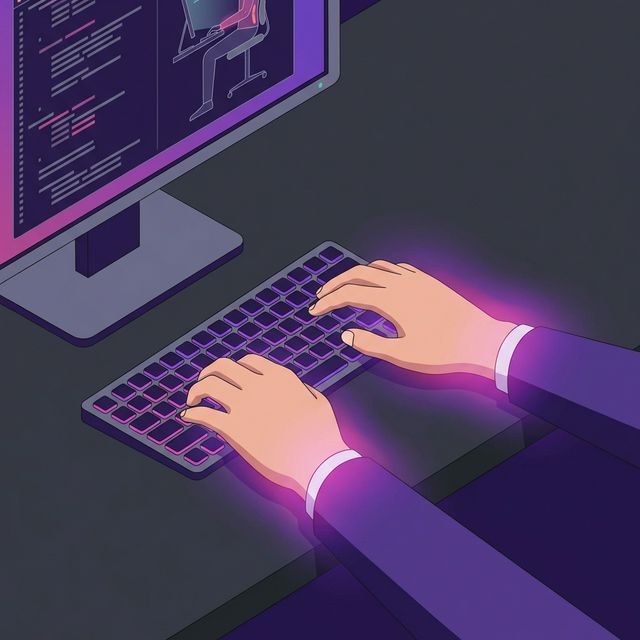
Writing code shouldn't hurt. Yet, a survey of software engineers found that over 60% experience some form of wrist, hand, or shoulder pain during their careers.
When your hands hurt, your productivity plummets, and your "flow state" disappears. Here is a comprehensive guide to identifying and fixing wrist pain caused by heavy typing.
Identifying the Culprit
Before fixing the pain, you need to understand where it's coming from:
- Aching on the pinky-side of the wrist: Often caused by "ulnar deviation" (bending your wrists outward to reach the keys).
- Numbness in the thumb, index, and middle fingers: A classic symptom of Carpal Tunnel Syndrome, caused by pressure on the median nerve.
- Pain on the top of the hand: Usually caused by "extension" (bending your hands upward at the wrist, often because your keyboard is too high).
Immediate Fixes for Your Desk Setup
You can relieve 80% of typing pain by fixing your geometry.
1. The 90-Degree Rule
Your elbows should be bent at exactly 90 degrees (or slightly more). Your forearms should be parallel to the floor. If you are reaching up to your keyboard, you are destroying your wrists. Raise your chair or lower your desk.
2. Floating Wrists
Stop resting your wrists on the desk while typing. Wrist rests are meant for resting between typing bursts, not during them. When typing, your hands should float above the keys, allowing your arms to do the moving rather than forcing your fingers to stretch.
3. Proper Monitor Height
The top of your monitor should be exactly at eye level. If you look down, your neck bends, which pulls on muscles that connect all the way down into your arms and hands.
Essential Stretches for Programmers
Set a timer to do these every 2 hours:
- The Prayer Stretch: Place your palms together in front of your chest (like a prayer). Slowly lower your hands toward your waist until you feel a stretch under your forearms. Hold for 15 seconds.
- Wrist Flexor Stretch: Extend your right arm straight out with the palm facing up. Use your left hand to gently pull your right fingers down toward the floor. Hold for 15 seconds, then switch.
- Finger Spays: Simply open your hands as wide as physically possible, stretching all fingers apart. Hold for 5 seconds, relax, and repeat 5 times.
Fix Your Typing Technique
Finally, if you are a "hunt and peck" typist, you are bouncing your hands all over the keyboard, causing unnecessary strain. Learning proper touch typing on TypeNCode keeps your hands anchored on the home row, drastically minimizing harmful micro-movements.