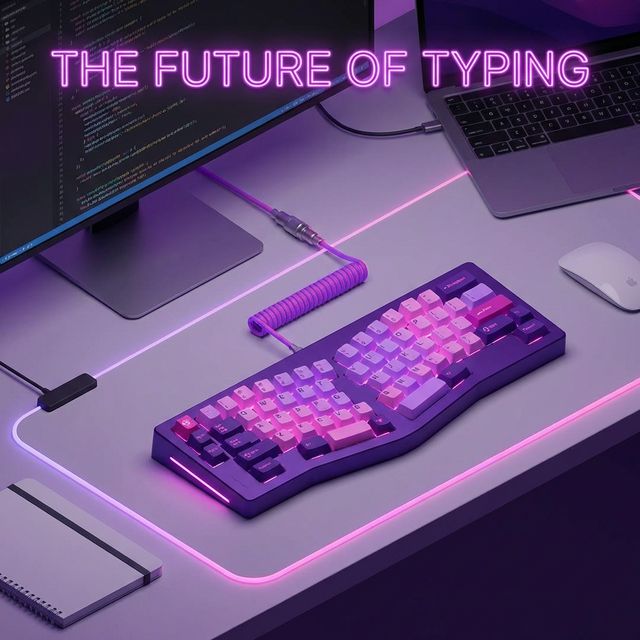
As a developer, your keyboard is your primary tool. You wouldn't expect a carpenter to build a house with a flimsy, $5 hammer from a discount store, yet many programmers spend 8-10 hours a day typing on flat, unergonomic laptop keyboards.
Over time, this unnatural hand positioning leads to Repetitive Strain Injury (RSI), carpal tunnel syndrome, and chronic shoulder pain. The solution? An ergonomic keyboard.
Let's break down why you need one and look at the top contenders.
Why Flat Keyboards Hurt You
Standard keyboards force your wrists into ulnar deviation—meaning your hands are bent outwards from the wrist to align with the keys. Furthermore, your forearms are subjected to pronation, facing entirely flat against the desk.
Ergonomic keyboards fix this in three ways:
- Split Design: Allows your hands to sit at shoulder width.
- Tenting: Angles the keyboard up in the middle, reducing pronation.
- Columnar Staggering: Aligning the keys vertically rather than diagonally, matching the natural movement of your fingers.
Top Picks for 2026
1. Kinesis Advantage360
The king of developer ergonomics. The keys are placed in concave "wells" that perfectly match the varied lengths of your fingers. It takes a week or two to learn, but once you do, you'll never go back.
- Best for: Severe RSI sufferers and Emacs users.
- Pros: Unmatched ergonomics, highly programmable thumb clusters.
2. ZSA Moonlander Mark I
A highly customizable, fully split ortholinear keyboard. You can adjust the tenting angle and completely remap every single key using their intuitive Oryx software.
- Best for: Tinkers and mechanical keyboard enthusiasts.
- Pros: Hot-swappable switches, extreme portability, thumb clusters.
3. Logitech Ergo K860
If you aren't ready to jump into the world of fully split, mechanical keyboards, the K860 is the perfect gateway. It features a fixed split design and a plush, attached wrist rest.
- Best for: Beginners to ergonomics.
- Pros: Wireless, affordable, quiet scissor switches.
Conclusion
Investing in an ergonomic keyboard is investing in your career longevity. Pair a good keyboard with a daily 15-minute typing drill on TypeNCode to build accuracy, and your hands will thank you for years to come.