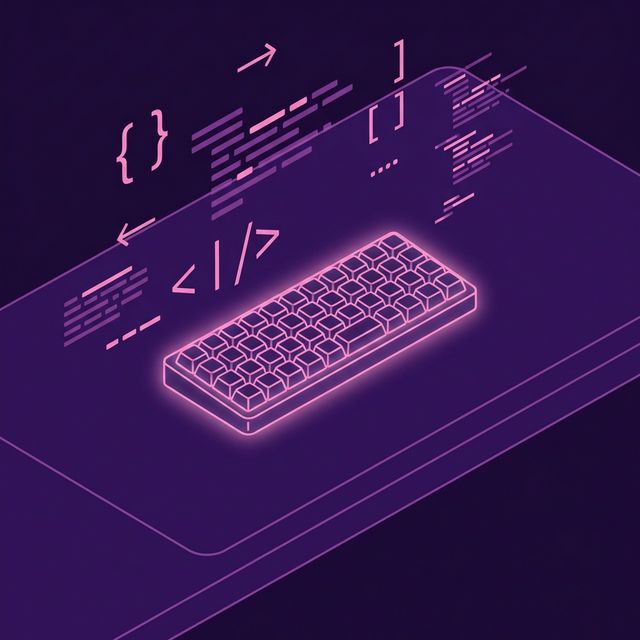
The quintessential image of a "hacker" often involves a glowing, clicky keyboard that looks entirely foreign to the average person.
The custom mechanical keyboard community is massive, and software developers make up a huge percentage of it. But why do programmers spend $300+ on specialized, often bizarre-looking keyboards?
The Quest for Efficiency
Most keyboards sold today are technically "Full-Size" (104 keys) or "TKL / Tenkeyless" (87 keys, no numpad).
Specialized developer keyboards toss this standard out the window. They believe that if you have to move your hand away from the home row to hit the Arrow Keys, Home, or End, you are wasting valuable milliseconds and breaking your focus.
Smaller Form Factors (60% and 40%)
By shrinking the keyboard, developers keep everything within reach of their resting fingers.
- 60% Keyboards: These ditch the F-row, arrow cluster, and numpad entirely.
- 40% Keyboards: These take it to the extreme, ditching the number row across the top as well.
How do you type numbers or use arrows on a 40%? Layers.
Just like holding Shift changes a 1 into a !, holding a special thumb key on a 40% keyboard might temporarily turn H J K L into your arrow keys, or Q W E into 1 2 3.
For developers who learn their layers, their hands physically never move from the home row. It looks like magic.
Programmability (QMK & VIA)
The true heart of a specialized developer keyboard is the firmware—usually an open-source project called QMK (Quantum Mechanical Keyboard).
QMK allows you to flash the microcontroller inside the keyboard to reprogram literally anything. A developer can write a macro so that holding the Caps Lock key longer than 200ms acts as Control, but tapping it acts as Escape (a godsend for Vim users).
Non-Staggered (Ortholinear) Layouts
Look at your normal keyboard: The W is not directly above the S; it's shifted slightly to the left. Why? Because mechanical typebars on 19th-century typewriters had to weave past each other in the machine.
There is zero modern reason for this aside from established convention.
Specialized developer keyboards are often ortholinear (like the Planck keyboard). The keys are aligned in a perfect grid, making finger travel far more predictable and logical for touch typing.
Conclusion
A custom, specialized developer keyboard forces you to rethink how you interact with a computer. By moving keys closer, utilizing thumb clusters, and leveraging the power of QMK layers, these boards allow you to type complex syntax faster and with significantly less physical strain. You can train these new layers seamlessly on typing platforms like TypeNCode.